
Automation & workflow optimization
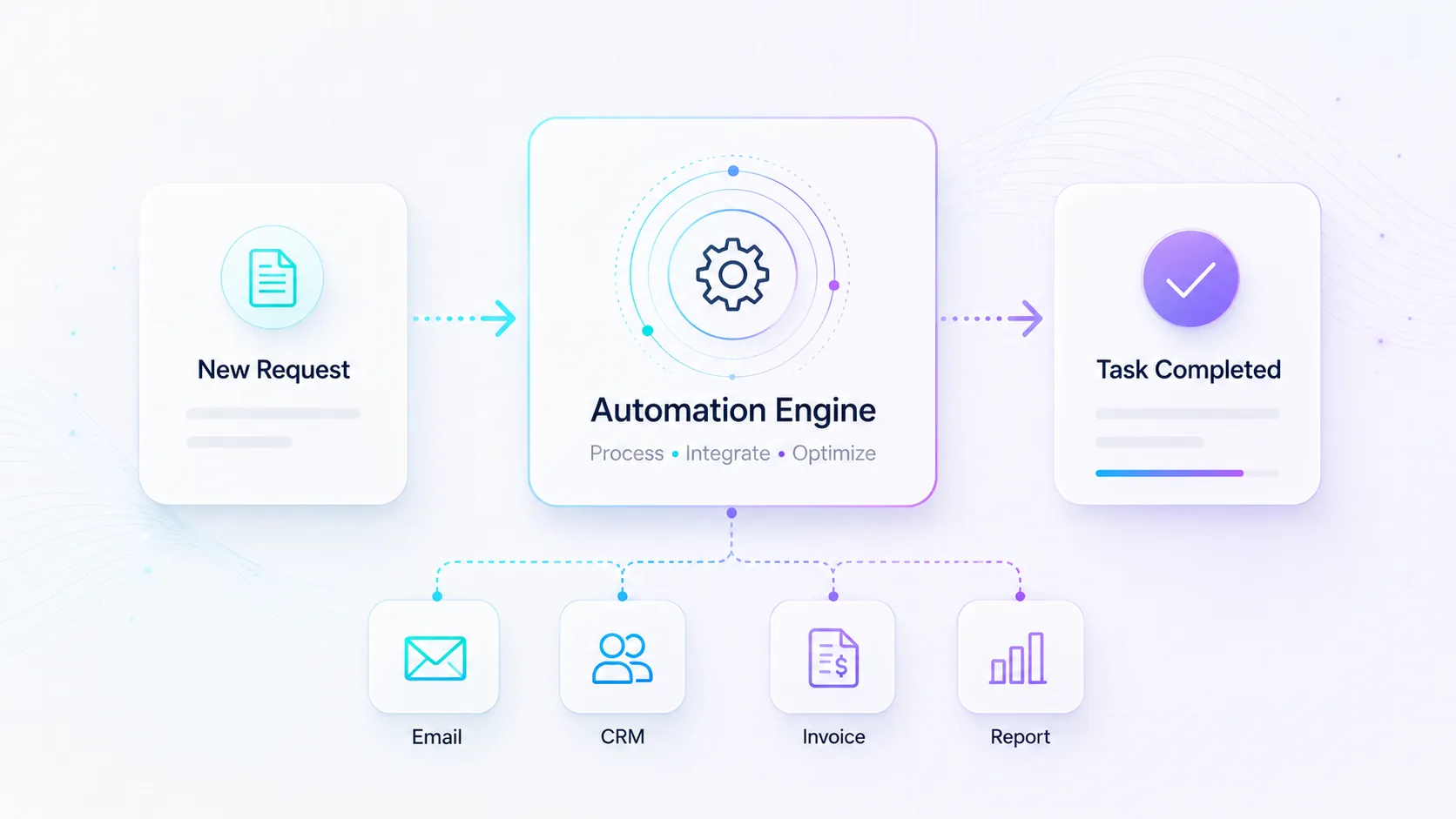
We help companies reduce manual work through smart flows between systems, forms, email, spreadsheets and CRM. We start with the tasks that take the most time and build solutions that are easy to understand and develop further.
What we help you with
We help companies reduce manual work through smart flows between systems, forms, email, spreadsheets and CRM. We start with the tasks that take the most time and build solutions that are easy to understand and develop further.
When this service fits
A good fit if you do a lot of recurring manual steps and want to save time by letting your systems talk to each other.
What can be included
- Connect the tools you already use
- Automatic reports and reminders
- AI-assisted flows that sort and prioritize
- Monitoring and alerts for anomalies
Packages & starting prices
Starting prices give a clear baseline for different types of work. Smaller jobs can often start quickly, while larger projects begin with a short review or pre-study. After the review you get a clear proposal with scope, price and next step.
| Package | Best for | Starting Price |
|---|---|---|
| Automation review | Review of workflows and where most time can be saved | from $149 |
| Simple Automation | Basic Zapier/Make flow between forms, email, CRM or spreadsheets | from $290 |
| Spreadsheet Automation | Excel or Google Sheets scripts, reports and data connections | from $390 |
| Email Automation | Sequences, triggers, segmentation and follow-up | from $490 |
| Workflow Automation | Sales admin, onboarding, support or back-office workflows | Custom quote |
| Automated Reports | Pull data, create reports and send them automatically | Custom quote |
| AI-Assisted Workflow | AI that summarizes, sorts, prioritizes or suggests next steps | Custom quote |
All prices are starting prices in USD. Hosting, domains, licenses, third-party tools, advertising budget, AI usage and external platform fees are not included unless stated in the proposal. Final pricing depends on scope, integrations, content and support level.
Frequently asked questions
Automation means reducing manual work by allowing systems, forms, email, spreadsheets, CRM and other tools to work together. Instead of staff manually moving information, sending follow-ups or creating reports, parts of the work can happen automatically.
The goal is to save time, reduce errors and create clearer workflows.
Automation is suitable when you perform the same manual tasks repeatedly. This may include copying information between systems, sending recurring emails, creating reports, following up leads, handling form submissions or reminding customers and employees.
If a task takes time every week and follows a recurring pattern, there is often an opportunity to automate it.
A simple automation is a smaller workflow between, for example, a form, email, CRM or spreadsheet. It could mean that a contact form sends information to the right person, saves the data in a spreadsheet and creates a notification.
It is suitable when you want to solve a clear problem quickly without building a larger system.
Forms, email, CRM, spreadsheets, booking systems, accounting systems, project tools, websites and other digital services can often be connected. What is possible depends on which systems you use and whether they support integrations or APIs.
We start by mapping the tools you already use and the workflow that should be automated.
Excel or Google Sheets automation can include scripts, automatic reports, form connections, data cleaning, import/export, calculations, summaries and connections to other systems.
It suits companies that already work heavily in spreadsheets but want to reduce manual updates and repetitive tasks.
Yes. Automated reports can collect data from different sources, summarize information and send reports automatically to the right people. This can apply to sales, leads, bookings, finance, tickets, inventory or campaign results.
Reports can be adapted to the decisions your business needs to make.
Email automation can include sequences, triggers, segmentation, follow-up and automatic messages based on a user’s behavior or status. It can be used for leads, customer follow-up, onboarding, reminders or recurring information.
The goal is to send the right message to the right person at the right time.
No. A newsletter is often sent manually or on a simple schedule to a larger group. Email automation is more controlled by rules, triggers and segments, such as when someone fills out a form, becomes a customer, books a meeting or has not replied.
Email automation is therefore often more personal and process-based.
Workflow automation means automating several steps in a process. This can involve sales administration, onboarding, ticket handling, internal approvals, customer follow-up or tasks between different systems.
A good automated workflow makes the process clearer and reduces the risk of important steps being forgotten.
Yes. Examples include sending new leads to a CRM, notifying the responsible salesperson, scheduling follow-up emails, updating status and creating reports automatically.
This allows the sales team to spend more time on customer contact and less time on administration.
Yes. Onboarding can be automated for both customers and employees. This may include automatic welcome emails, checklists, account creation, document sending, reminders and internal tasks.
It creates a more consistent process and reduces the risk of important steps being missed.
AI-assisted workflows use AI for tasks that require interpretation, summarizing, sorting or prioritization. Examples include summarizing incoming cases, sorting customer requests, suggesting priority or creating draft replies.
AI is used when regular rule-based automation is not enough.
Regular automation is best when the rules are clear, such as “when a form is submitted, create a case and send an email.” AI is better when the information is unstructured, such as long emails, documents, customer cases or free text that needs interpretation.
We help determine which solution is most suitable for your workflow.
Yes. AI can be used to summarize documents, email threads, customer cases or form responses. It can also help sort cases by topic, suggest priority or flag items that need human review.
These solutions should be tested carefully before being used in live workflows.
Yes. Automation can be used to create invoice data, send reminders, update statuses or connect booking, orders, CRM and accounting systems. The exact solution depends on which accounting system you use and how the invoicing flow works.
For financial workflows, controls, responsibility and error handling must be clearly defined.
Yes. Automation can be used to detect deviations and send alerts. This may include missing reports, failed integrations, unusual values, unanswered cases or processes that get stuck.
This helps problems get detected earlier instead of being noticed only after something has already gone wrong.
Start with tasks that take a lot of time, happen often, are easy to describe and where mistakes have consequences. Examples include reporting, lead handling, form flows, follow-up, internal administration and moving data between systems.
We can help prioritize the workflows that create the most value first.
Yes. It is often best to start with a smaller workflow and expand once it works. This makes the solution easier to understand, easier to test and less risky.
Once the first automation is in place, more steps can be added as needed.
Not always. It is often possible to start with the tools you already use. If the systems support integrations, APIs, exports or automation platforms, efficient workflows can often be created without replacing everything.
If an existing system limits the work, we can suggest alternatives.
We need to understand which problem should be solved, which systems are used, what data should be moved, which rules apply, who is responsible for the workflow and what should happen if something goes wrong.
The clearer the process is described, the easier it is to build a stable solution.
It depends on the scope. A simple automation can often be built quickly, while workflows involving several systems, custom rules, AI, reporting or security requirements need more planning and testing.
For larger solutions, we usually start with a short review so the scope, price and next steps are clear.
The price depends on complexity, number of systems, number of steps, data volume, security requirements and how much testing is needed. Smaller automations have a lower starting price, while AI-assisted workflows and larger workflows require more work.
Licenses, external system costs and any platform fees are added where relevant.
No, normally the prices cover our work. Licenses, external systems, automation platforms, API fees and other third-party costs are added where relevant.
We aim to clarify these costs before the work starts.
Automation needs to be built with the right controls. If a workflow handles personal data, finance, customer data or sensitive information, access, logging, error handling and security need to be planned from the start.
We aim to build solutions that are easy to understand, test and follow up.
Yes, sometimes. If an external system changes its API, an integration stops working or the company’s process changes, the automation may need to be adjusted.
For important workflows, follow-up, documentation and some form of maintenance responsibility are recommended.
Yes. For automated workflows, documentation is important, especially if several people need to understand or further develop the solution. The documentation can describe which systems are connected, which triggers are used, what data is sent and what happens when something goes wrong.
This makes the solution easier to maintain over time.
Want to know what it would cost for you?
Book a free meeting and we'll do a short needs review and come back with a clear proposal.